RecoveryReady™Rural Labor & Economic Development Corporation
RecoveryReady™ turns FEMA grant compliance into a checklist your town, city, or county can actually run — preloaded requirements, automatic deadline clocks, hour-one cost logs, and a one-click audit binder. No consultants. No IT department.
RLEDC uses the training manuals and GrantStats™ software with the permission of Best Risks LLC, which owns them. A written license has not been executed.
Request a demoDisaster grant administration moved to the states — but every federal money rule (2 CFR 200, Stafford Act, Single Audit) still applies to the town that spends the dollar. When documentation fails, the money comes back out of your general fund, years later.
days to file your Request for Public Assistance after designation. Miss it and eligibility is gone before recovery starts.
Force-account labor and equipment logs must start when the work starts. Reconstructed records are the #1 reason small governments lose reimbursement.
The Single Audit threshold. Cross it in a disaster year — most do — and your documentation gets professionally examined.
Both are preloaded from the Best Risks compliance handbooks — every requirement with its citation, its evidence checklist, and its owner.
15 plain-language requirements · First 72 Hours checklist · force-account cost logger with CSV export · project tracker with automatic $1M large-project flag · continuity card for staff turnover · deadline clocks per disaster · one-click audit binder.
25-requirement engine · subrecipient risk assessment and monitoring calendar · 30-day payment clock tracking · subaward data-element templates (2 CFR 200.332) · earn-back benchmark worksheets · appeals log with both 60-day clocks.
Statewide licensing: one state agreement equips every municipality with the Community edition — the state gets monitoring roll-up, the towns keep their own private workspaces.
FEMA's Grants Portal tracks your projects with FEMA. Enterprise grant software is priced for state agencies. Nobody built the evidence layer for a 3,000-person town — until now.
| FEMA Grants Portal | Enterprise grant software | RecoveryReady | |
|---|---|---|---|
| Preloaded disaster-grant requirements | ✗ | ✗ blank slate | ✓ 15 / 25 with citations |
| Hour-one cost documentation | ✗ | ✗ | ✓ built-in logger |
| Audit binder output | ✗ | limited | ✓ one click |
| Staff-turnover continuity | ✗ | ✗ | ✓ continuity card |
| Small-government pricing | free | ✗ enterprise | ✓ sized for towns |
| Works with any state-mandated system | — | varies | ✓ CSV/JSON exports |
Your system is yours alone. The state never sees your working files — only what you choose to submit. Everything exports in standard formats today, and direct API connections to state platforms are on our roadmap as states adopt systems that support them.
RecoveryReady™ is built on the Best Risks 2026 FEMA Framework Series — the handbooks and training manuals that preload every requirement in the software, each with its citation, evidence checklist, and deadline.
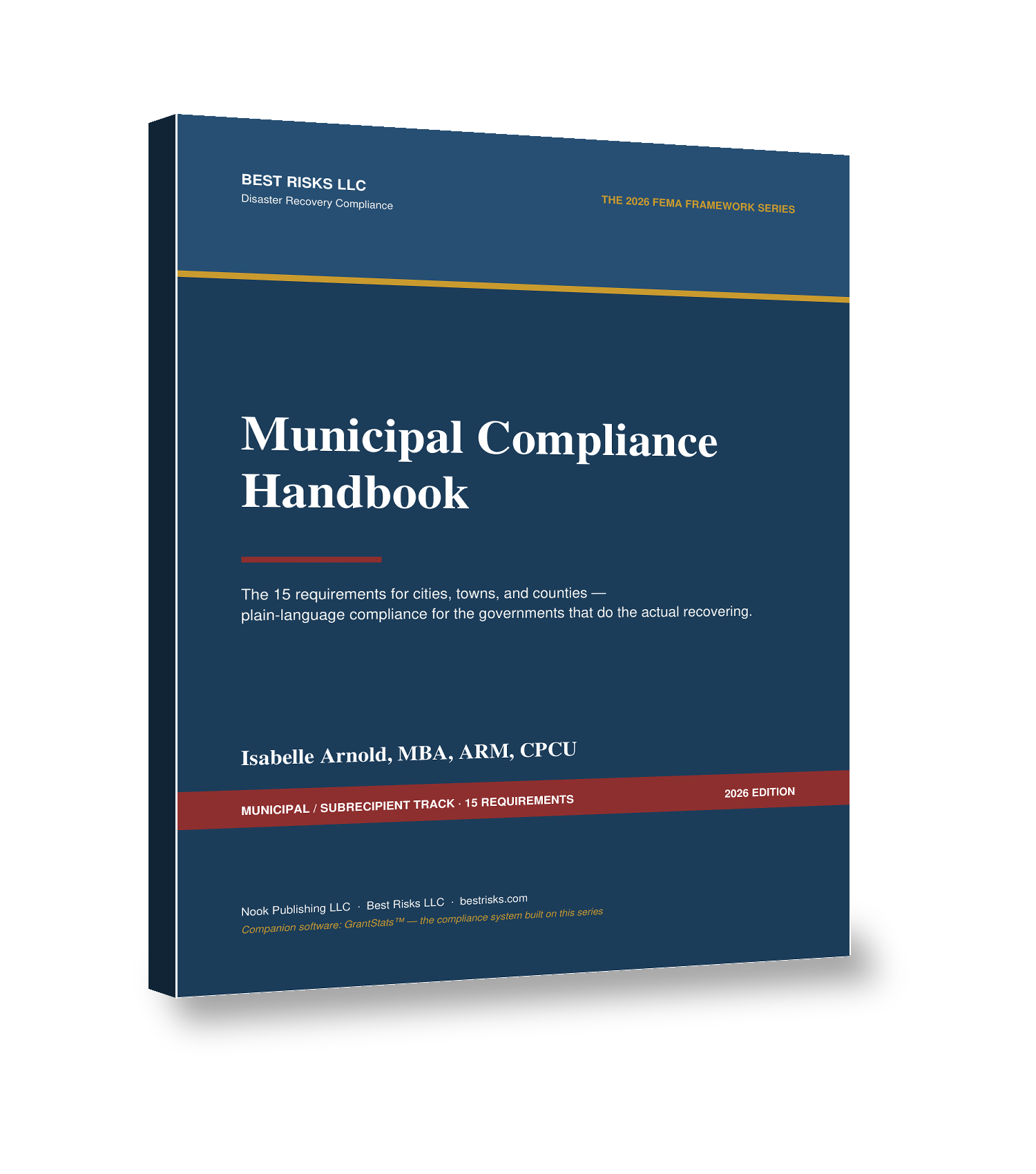
The 15 requirements for cities, towns, and counties — plain-language compliance for the governments that do the actual recovering.
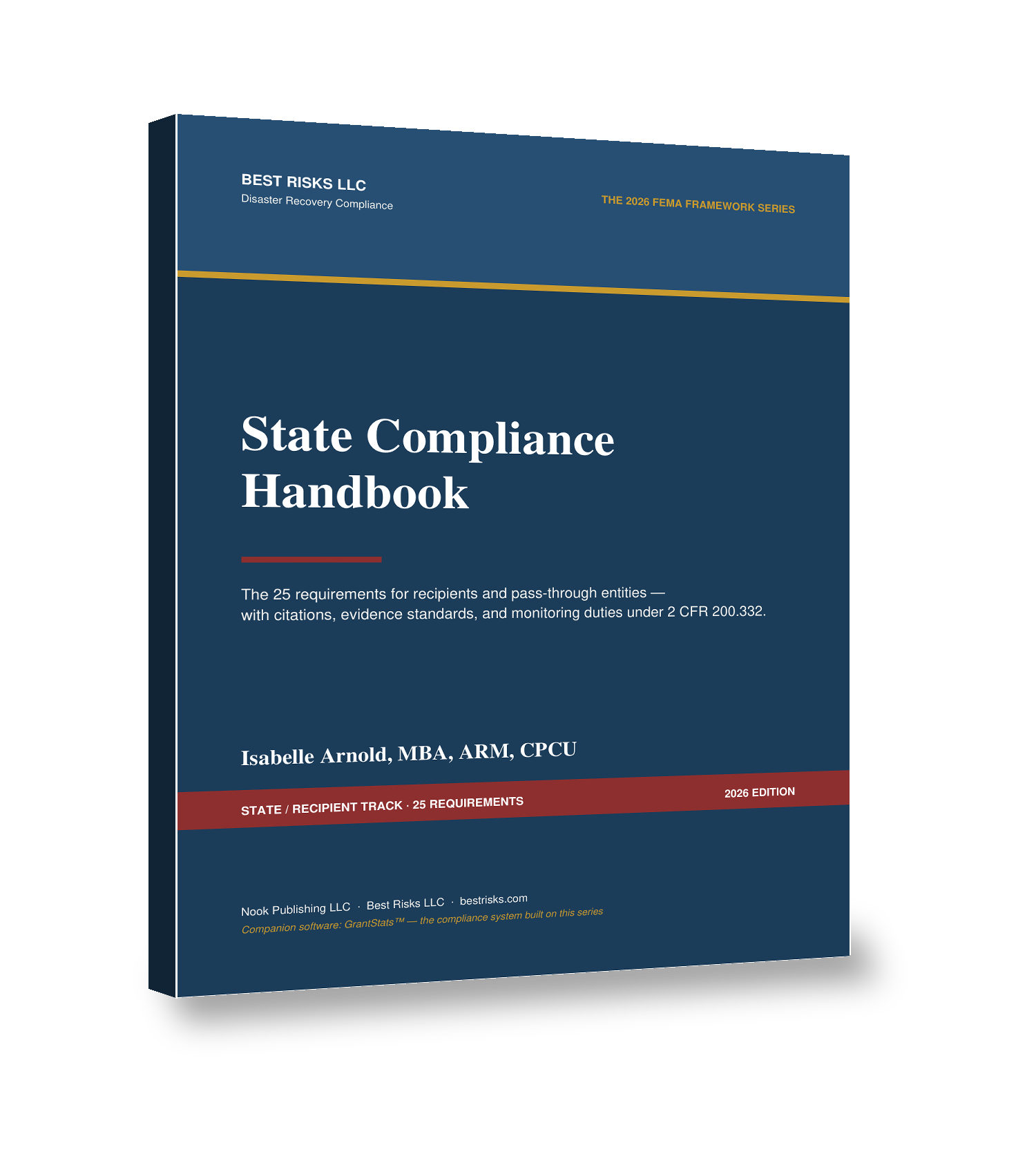
The 25 requirements for recipients and pass-through entities — citations, evidence standards, and monitoring duties under 2 CFR 200.332.
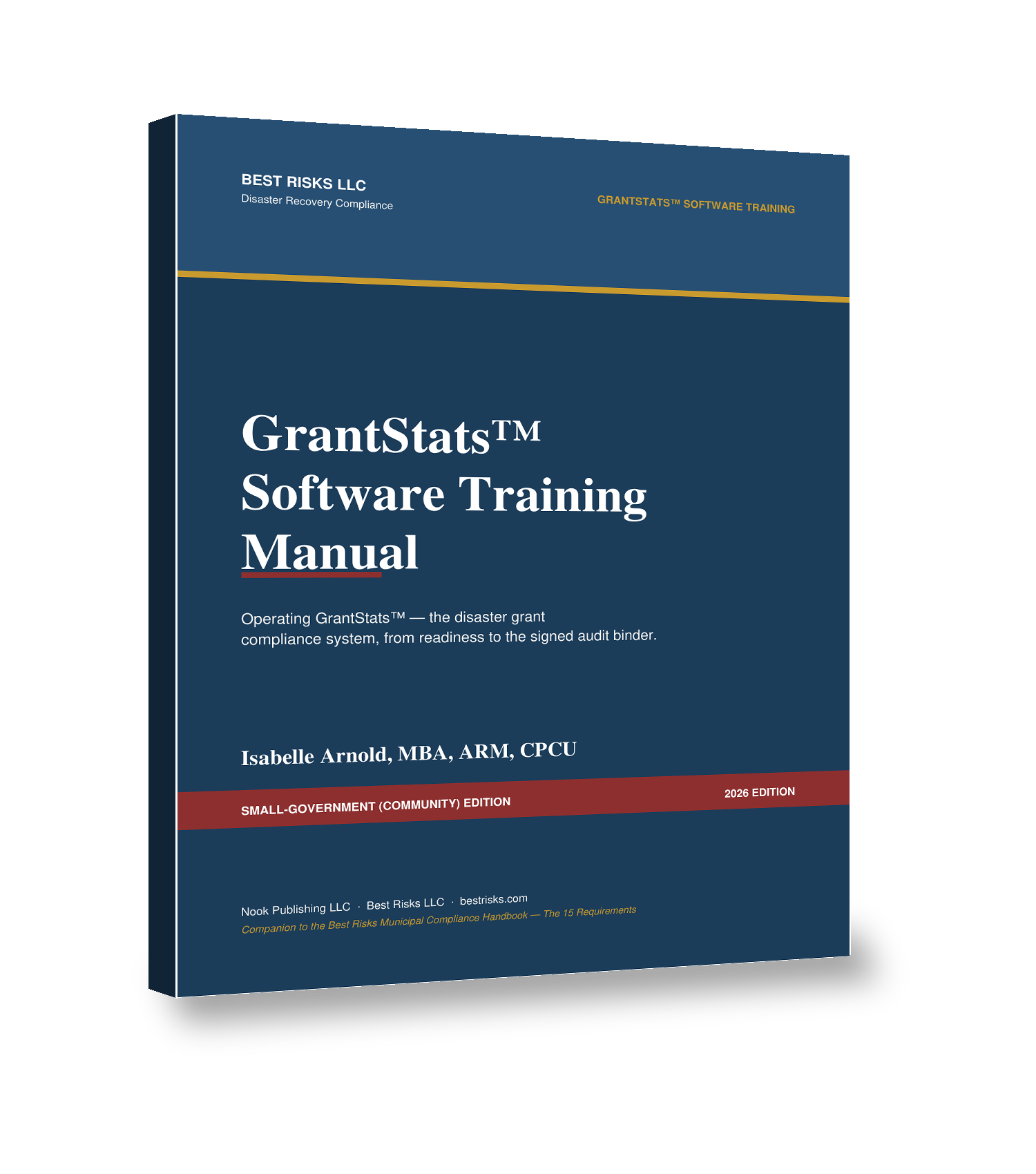
Operating the compliance system from readiness to the signed audit binder — the software companion to the series.
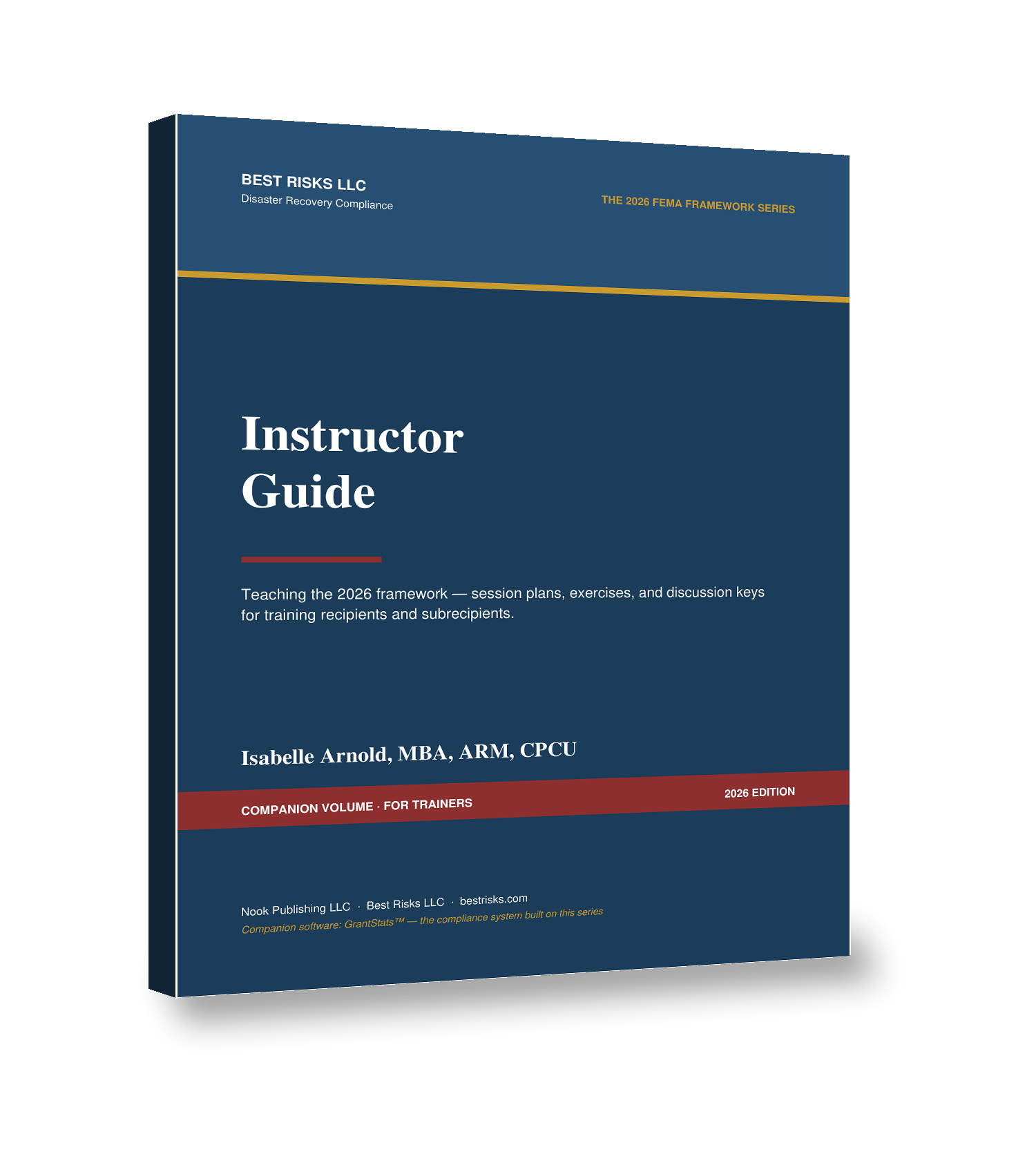
Session plans, tabletop exercises, and discussion keys for training state grants staff, county emergency managers, and municipal clerks.
Work the preloaded requirement register. Assign owners and backups. Turn red to green before the storm, on your schedule.
Add the disaster; every regulatory clock generates automatically. The First 72 Hours checklist runs your critical first days. Costs are logged from hour one.
One click builds the audit binder — requirements, evidence dates, deadlines, cost summary, project inventory, continuity card. Signed, printed, done.
We're onboarding a limited set of pilot communities and state agencies for 2026. Demos are scheduled individually, not self-serve. Tell us about your community below and a member of the RLEDC team will contact you to arrange a time. The walkthrough takes about ten minutes and runs in your browser — nothing to install, nothing to procure.
Or contact RLEDC at Demo@rledc.org